DocketPay (Payrix) - How to find a batch
Last updated: November 9, 2026
In this knowledge base article we will go through the steps of finding a Batch in Payrix.
Please follow the steps below:
From your Payrix Dashboard navigate to the Reports Tab on the left side in the Admin category.
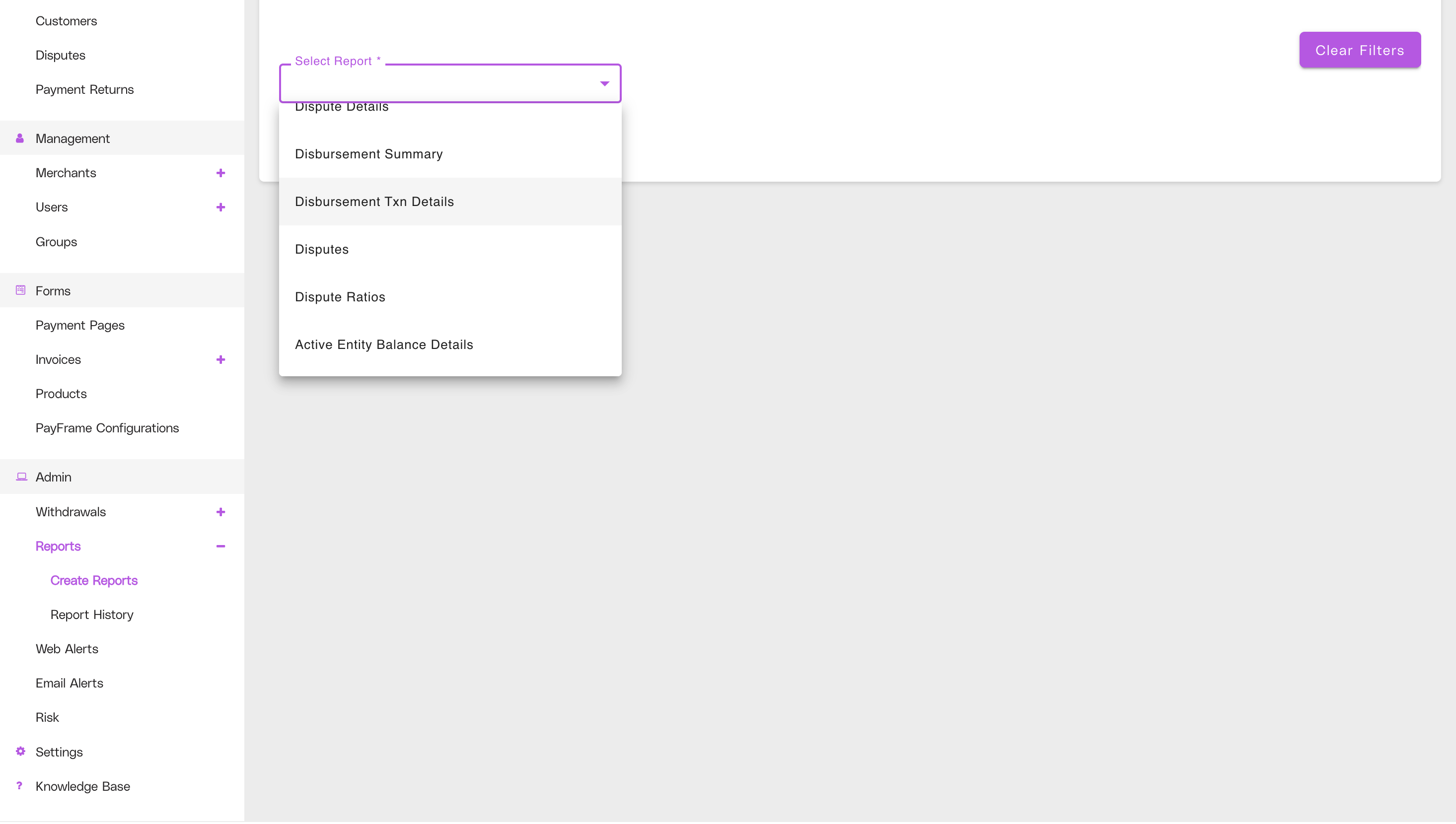
Once in the reports select the Disbursement Txn Details report from the dropdown menu.
Select Include all up to date data and choose your Date range.
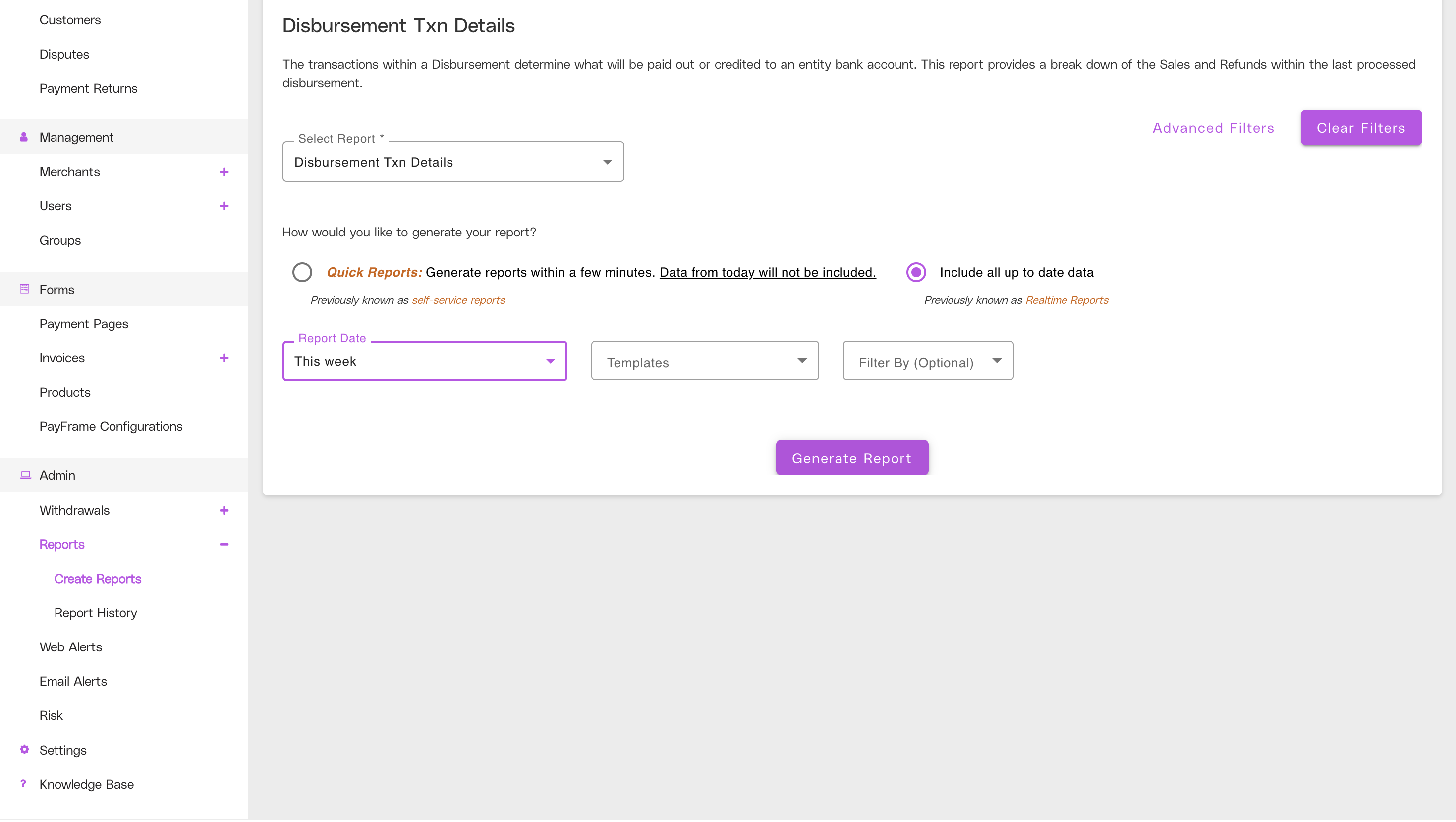
Lastly click Generate Report.
The report can take a few minutes to generate, but once it does you will see the detailed information of your disbursements including the batch they were in, fees, and the customer name.