Welcome to our knowledge base article that will guide you through the simple steps of creating a support request ticket in Fiserv's backend portal, CardPointe.
By initiating a support ticket, you can easily communicate your concerns, and our dedicated experts will promptly address your needs.
Let's delve into the process of creating a support request ticket and get you back to seamless payment processing in no time! Please refer to this guide on accessing Cardpointe.
How to Create a Support Ticket in CardPointe
-
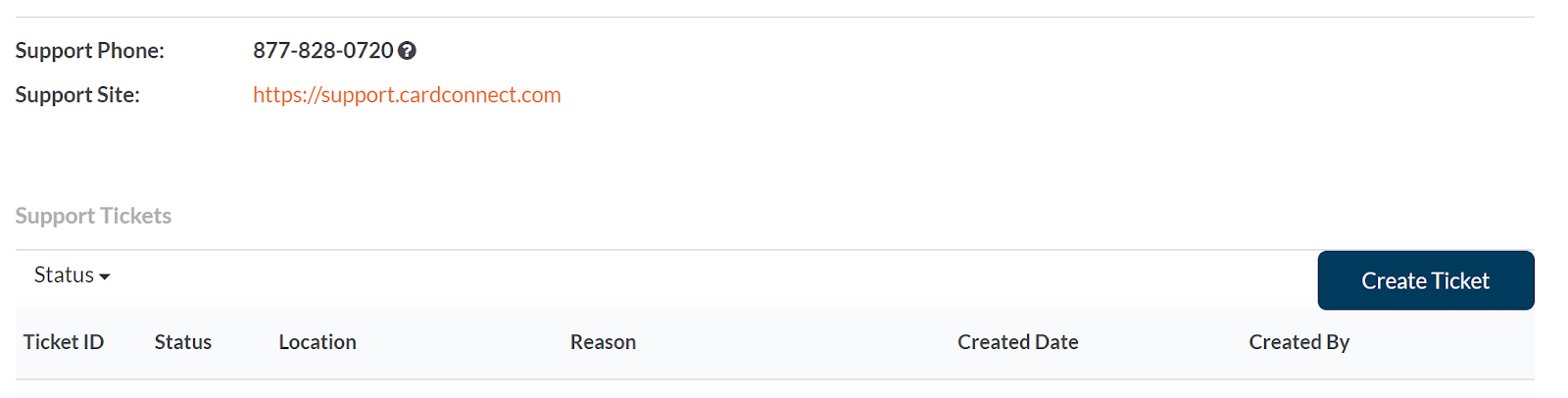
After logging into CardPointe - navigate to the support section of CardPointe
- Support tickets can be created by Fiserv (formerly CloverConnect) - if you call them on 877-828-0720, or you can create one yourself
-
Click on the create ticket button
-
Choose the reason for creating the ticket
- Bank Account changes
- Card declines
- DBA/Legal Entity change
- PCI support
- Tickets usually get responded to within 48 hours, and are generally resolved within a week.